 Join our Discord
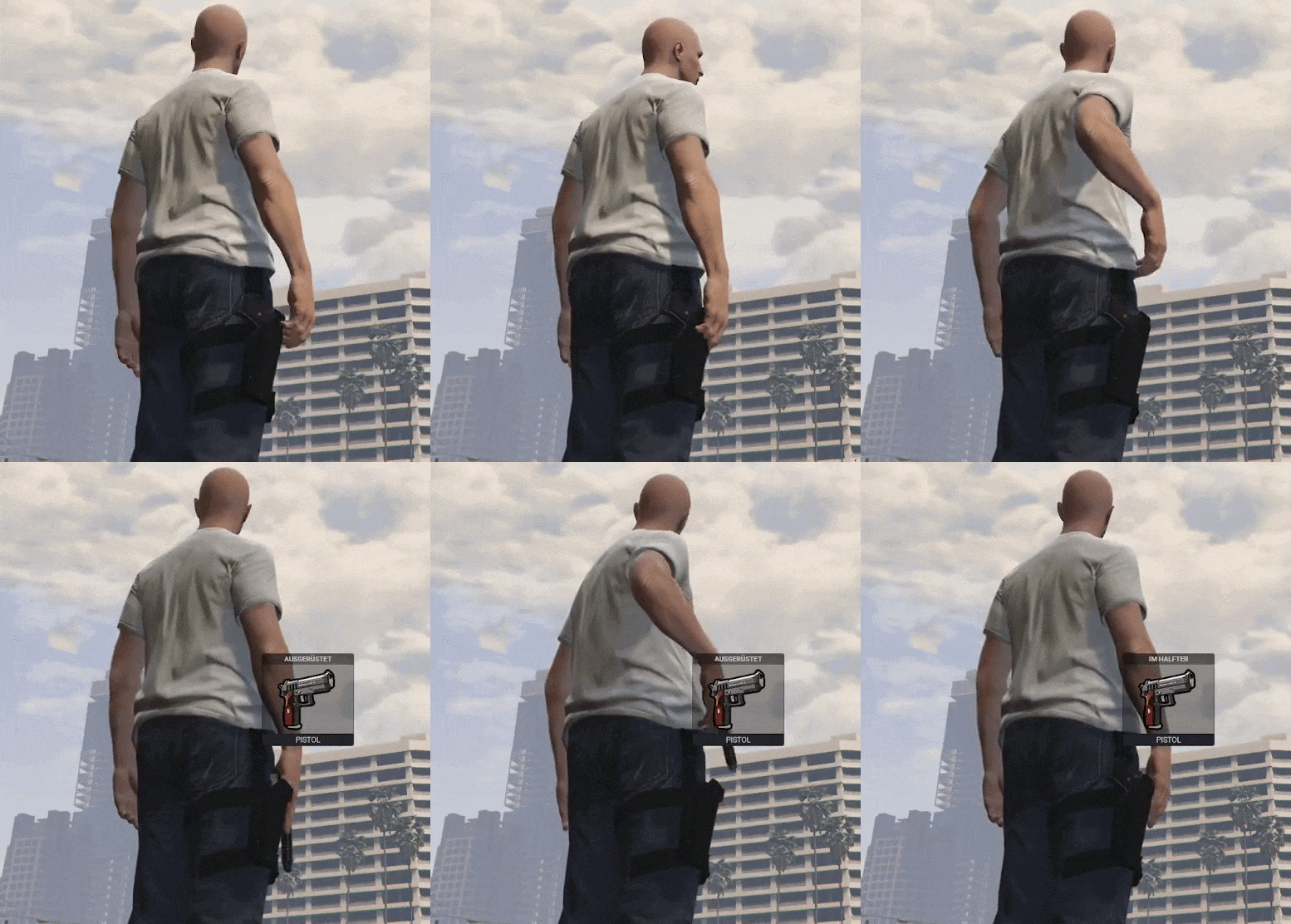
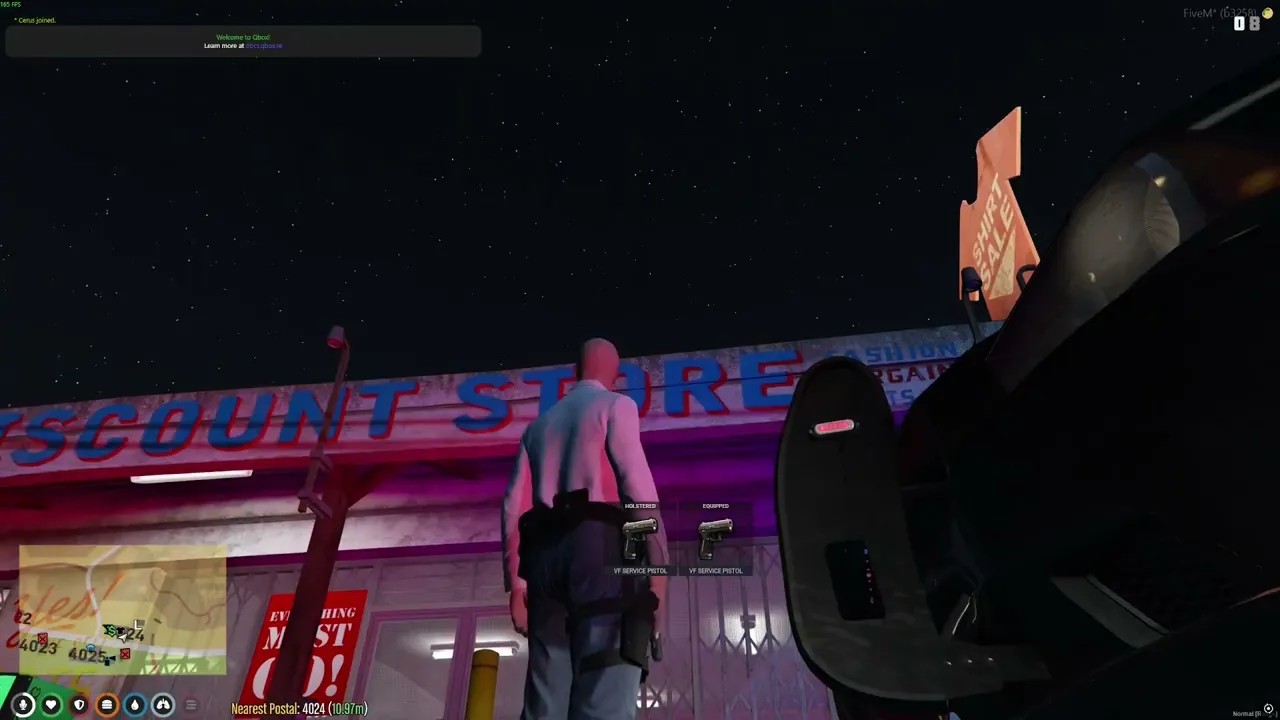
Immersive Holsters
Simple script for updating holster clothing when equipping / putting away handguns.
Compatibility
This script has been tested on QBox, QBCore and ESX with Illenium Appearance. You also need ox_lib.
For inventory management I've used ox_inventory, but the script doesn't depend on any inventory script and should work without. It has also been tested with qb-inventory.
If you're not using Illenium Appearance, you'll have to modify the CanStart and GetCurrentClothing functions in config.lua according to the clothing script you're using.
This should be obvious, but you need to have clothing installed that has empty and filled holster variants.
Configuration
To configure the script, open up config.lua and edit the holster table.
Let's check out the tazer table for example:
tazer = {
    weapons = {
        [`WEAPON_STUNGUN`] = true,
    },
    component = 8, -- Shirt
    mappings = {
        -- [id_with_gun] = id_without_gun
        ['63'] = 64,
    }
}
As you can see, this holster config handles tazers. The weapons that match this config are defined in weapons and the component field specifies the clothing 'category' this holster is in. (if I wanted to specify a bracelet / accessories holster I'd have to set the component to 7)
Just specifying the component id is not enough though - we also need to specify which drawables are holsters. In the mappings table you'll need to map the id of a filled holster to the id of an empty holster. (e.g. ['63'] = 64)
Take a look at the existing configs, they should be pretty helpful.
References:
Weapon Models
Clothing Components
Note
This is a script from my old server project. It's also available on GitHub.